Procure to Pay

Constant Spend Analysis & Monitoring for Saas and Cloud

When spend stays visible, decisions stay sharp.
Request a demo
No items found.

Why SaaS and Cloud Spend Monitoring Matters

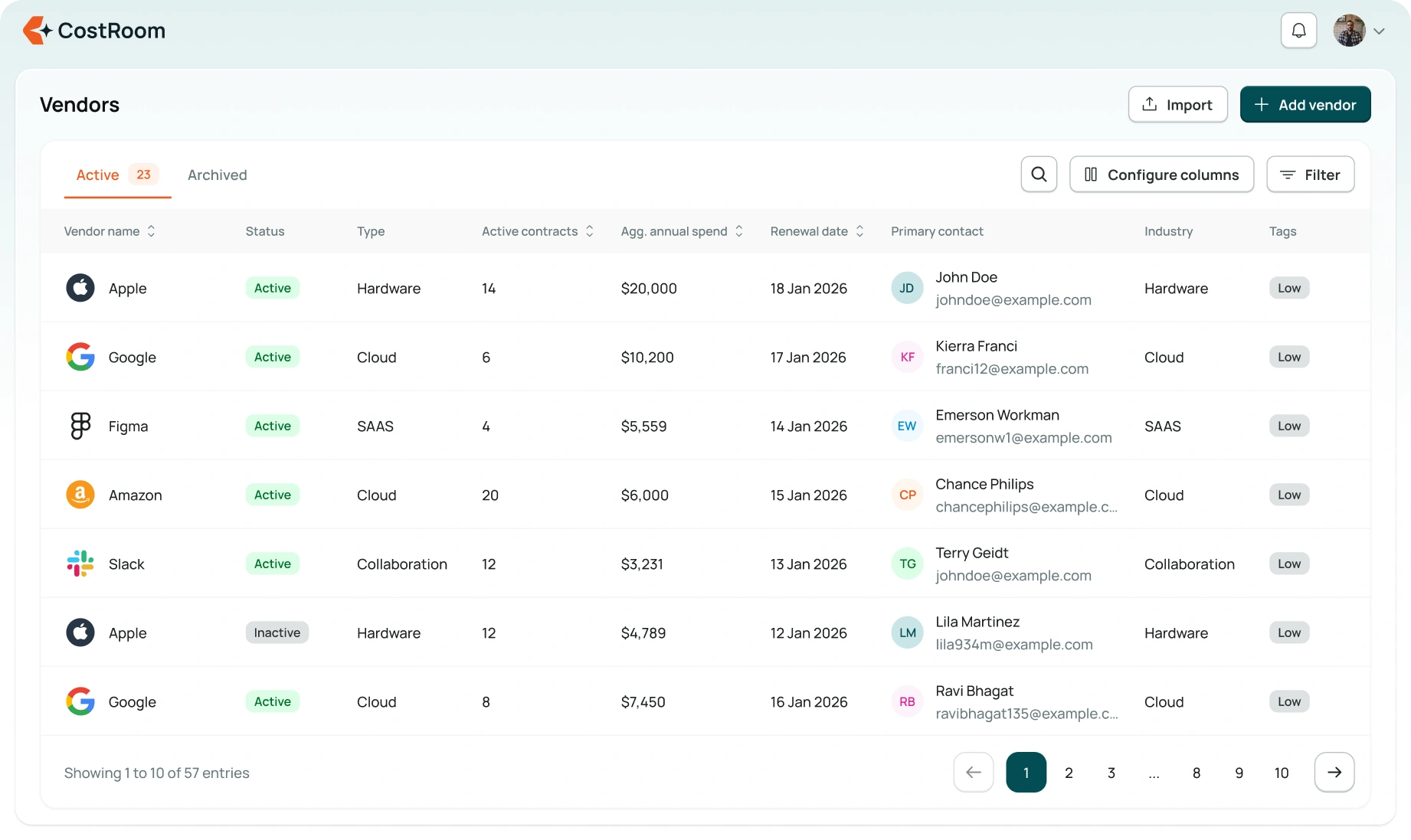
SaaS and Cloud spend changes fast as teams add tools, scale usage, and change plans. CostRoom keeps your SaaS and Cloud send data current so you see trends early, understand root causes, and act before costs build up. No stale dashboards. No surprises at renewal. Just clean visibility backed by real usage data.

What this capability does — at a glance

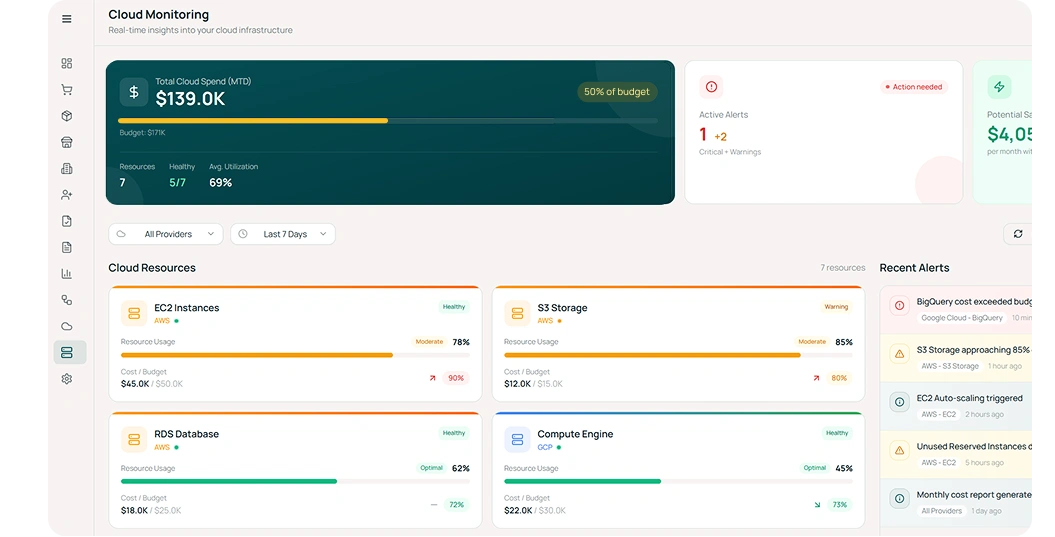
Live spend analytics you can trust

Real-time consumption, billing trends, and anomalies stay visible in one place so teams spot unusual spikes early, not after the invoice arrives.

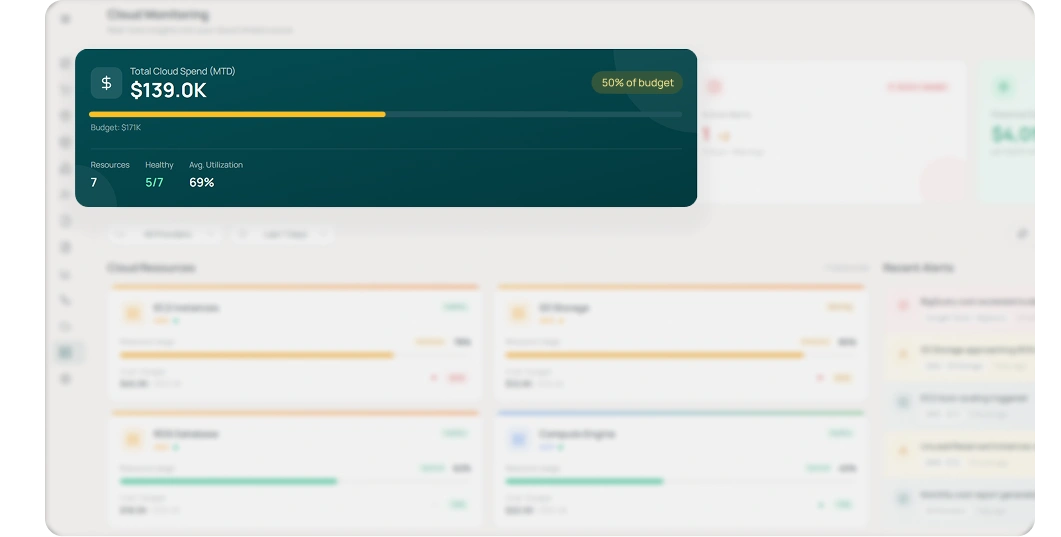
Budgets protected by automated guardrails

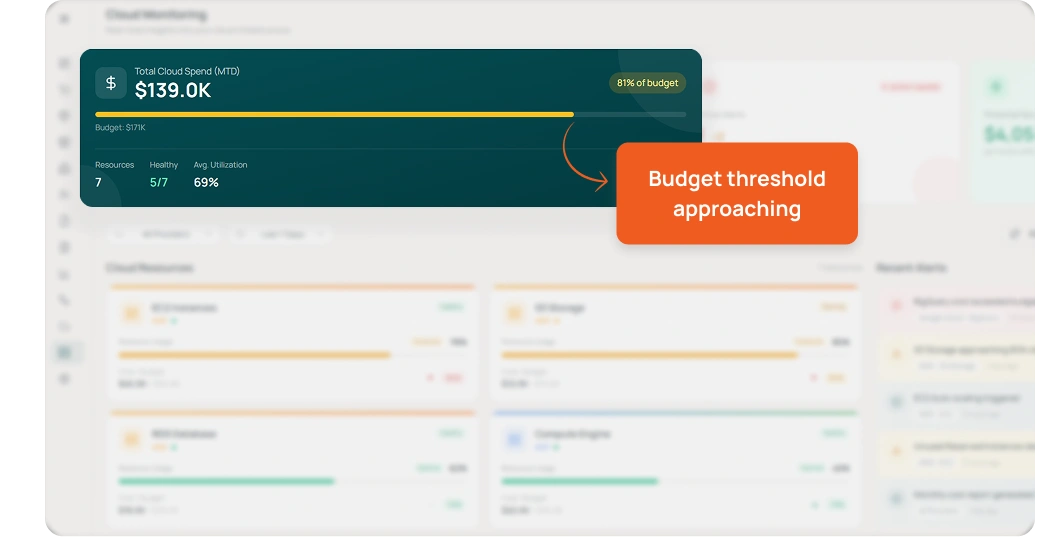
Threshold-based alerts warn teams before they cross planned budgets or commit to higher tiers, keeping spend predictable and steady through the year.

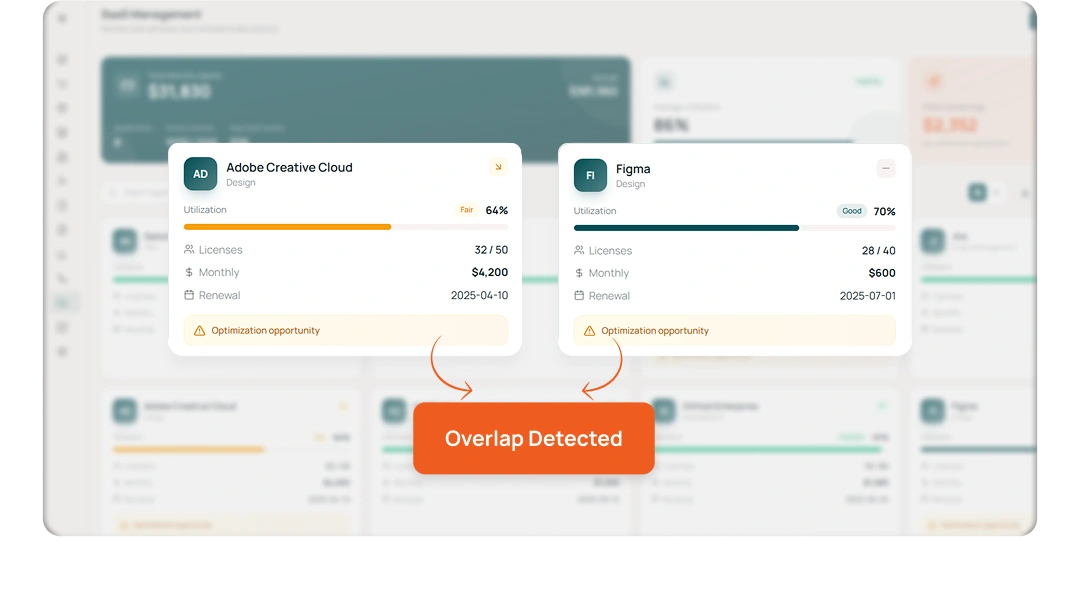
Duplicate tools flagged instantly

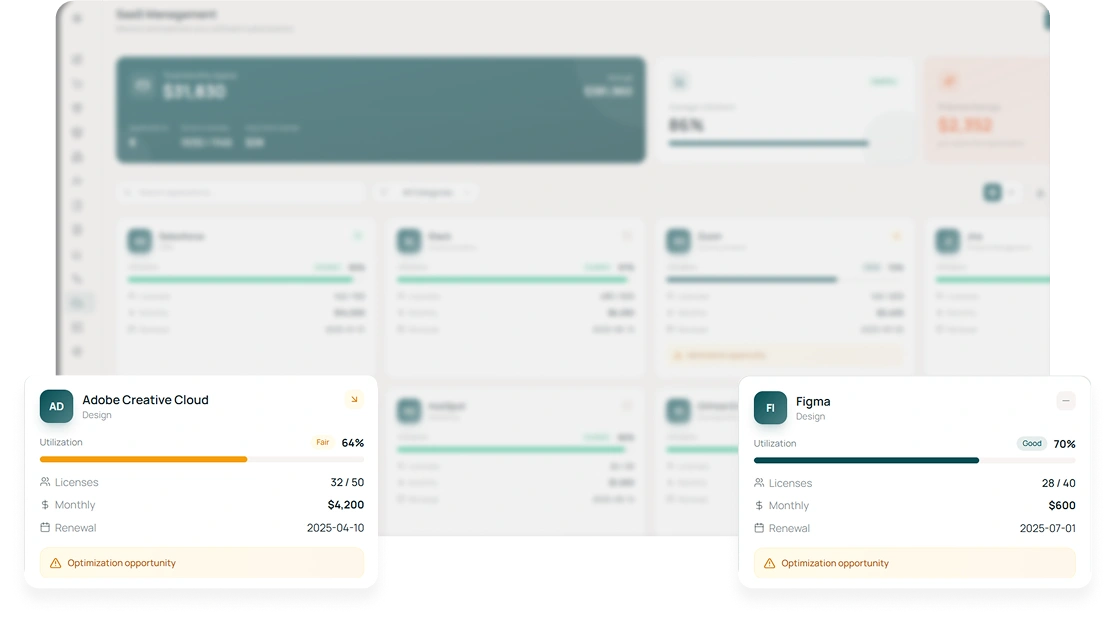
Overlap across vendors, similar features, or redundant licenses is detected early so you can consolidate before costs multiply.

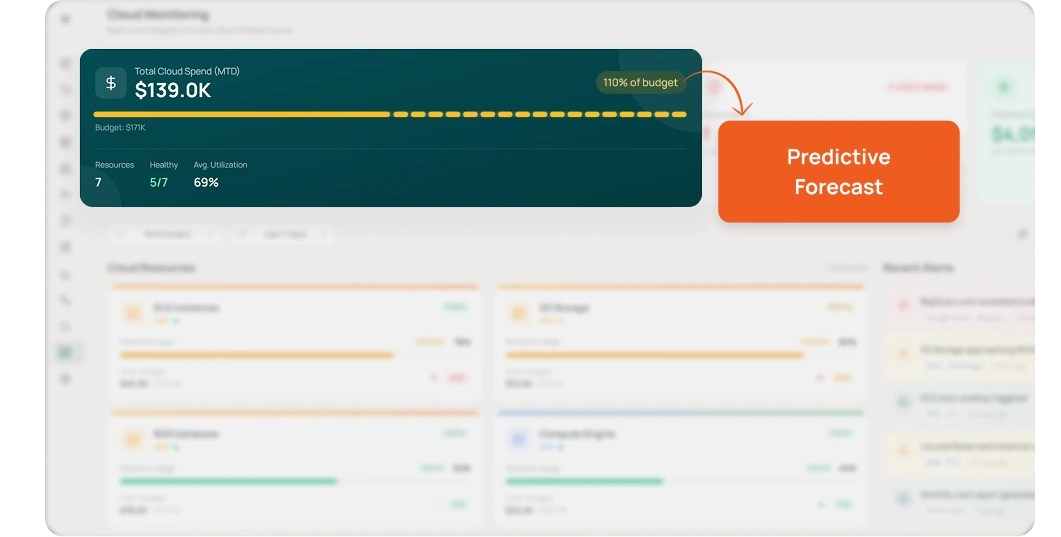
Forecasting that reflects real behaviour

Predictive signals combine usage patterns, seasonality, and recent billing changes to give more realistic expectations of future spend.
No items found.
No items found.
No items found.
No items found.

Core SaaS and Cloud Spend Analysis Capabilities

Real-Time Spend Analytics

Real-Time Spend Analytics

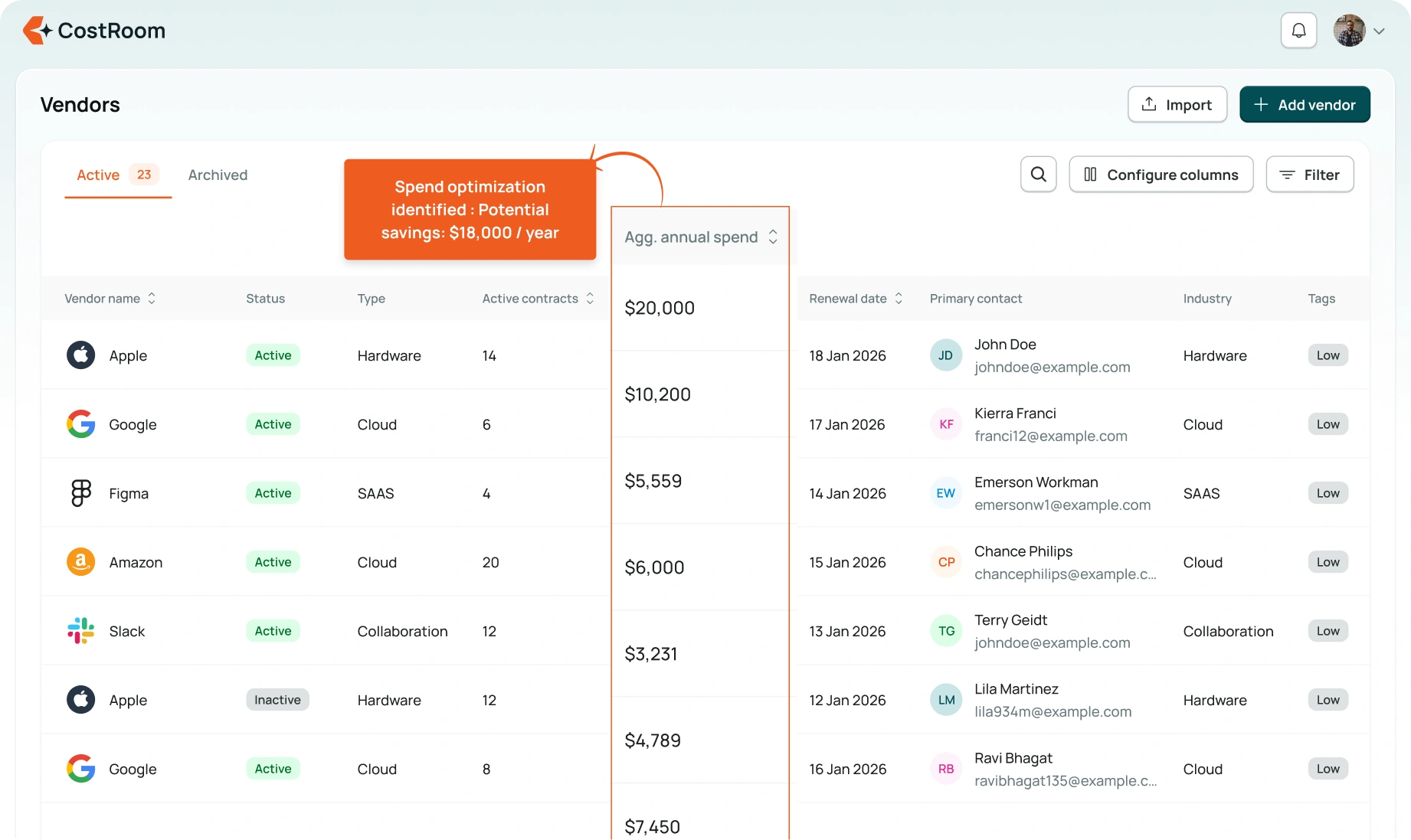
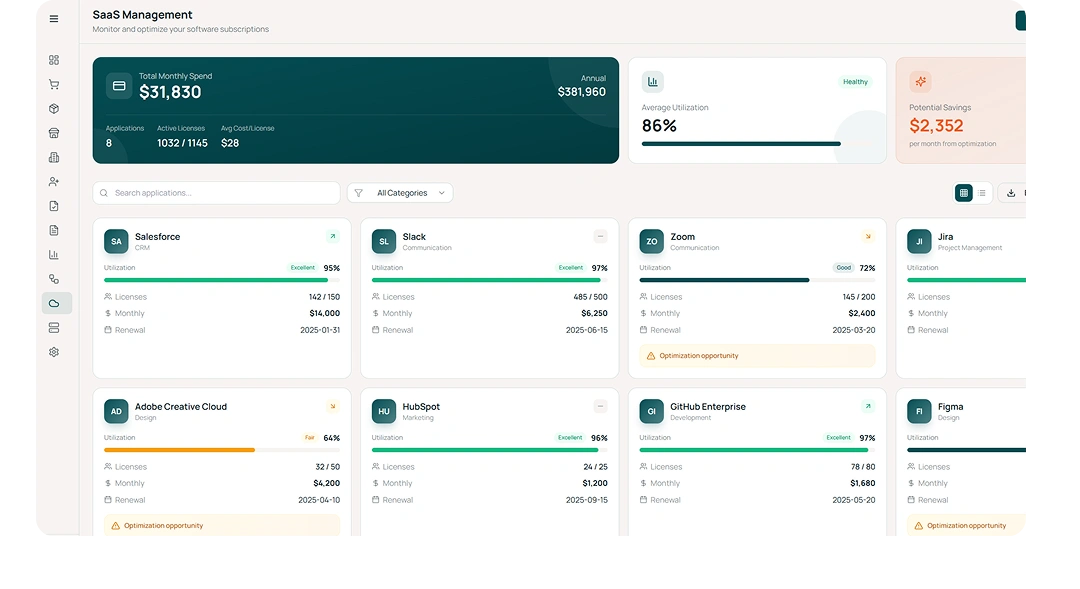
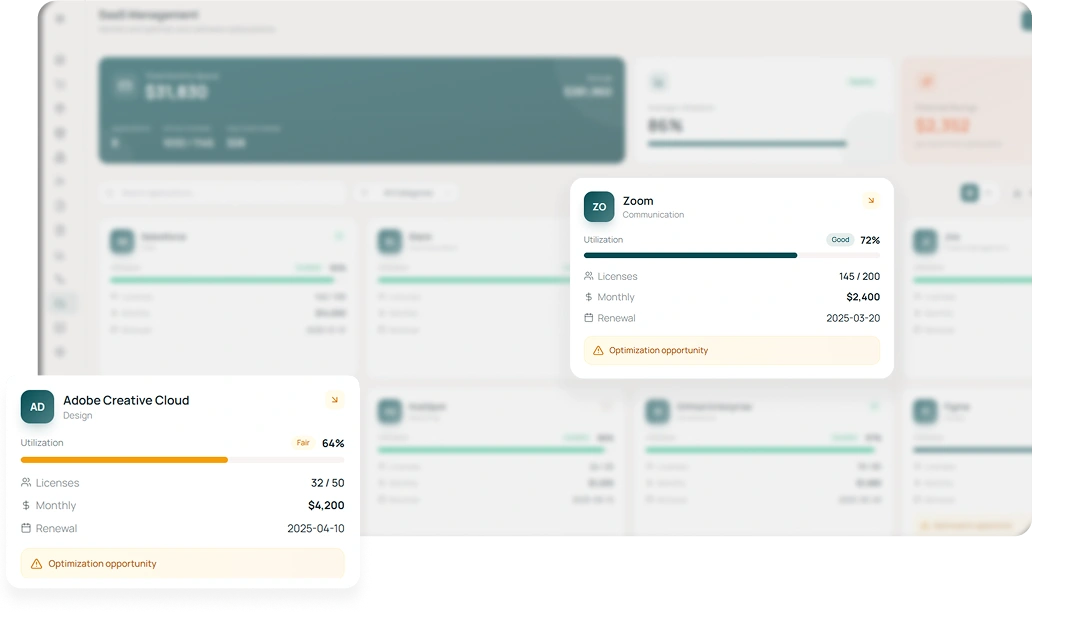
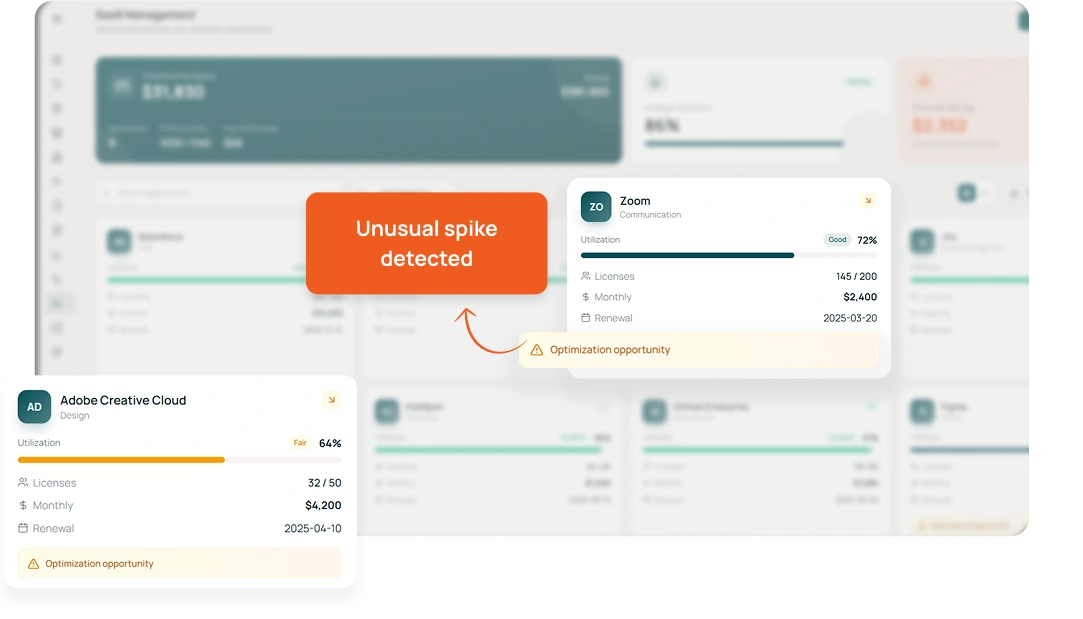
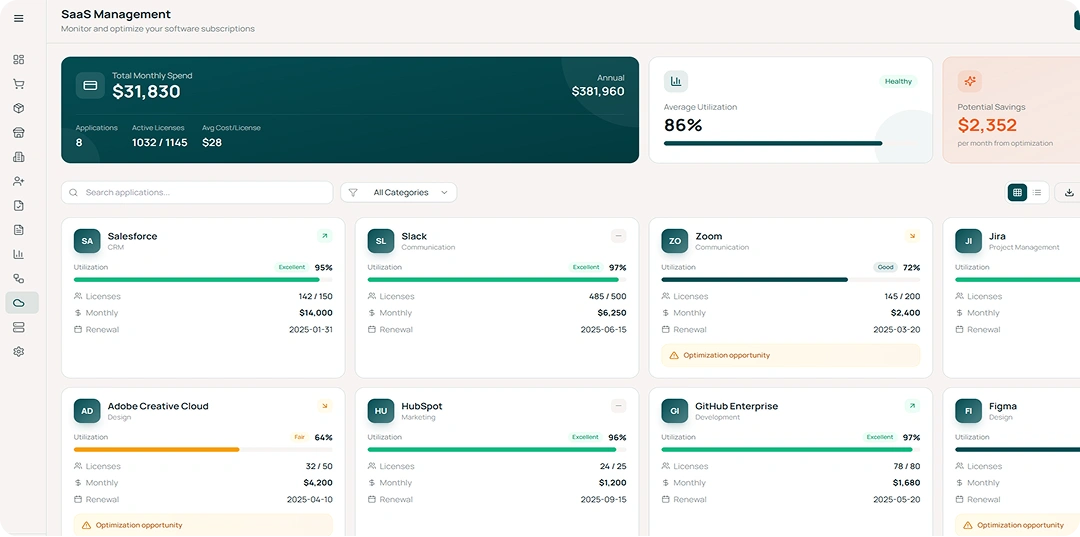
CostRoom pulls together billing feeds, usage signals, license data, and cloud consumption in one continuously updated view. Teams can compare month-over-month patterns, see cost drivers clearly, and catch spikes the moment they appear — not at quarter-end. No more “how did this happen?” moments during reviews.
Budget Enforcement & Threshold Alerts

Budget Enforcement & Threshold Alerts

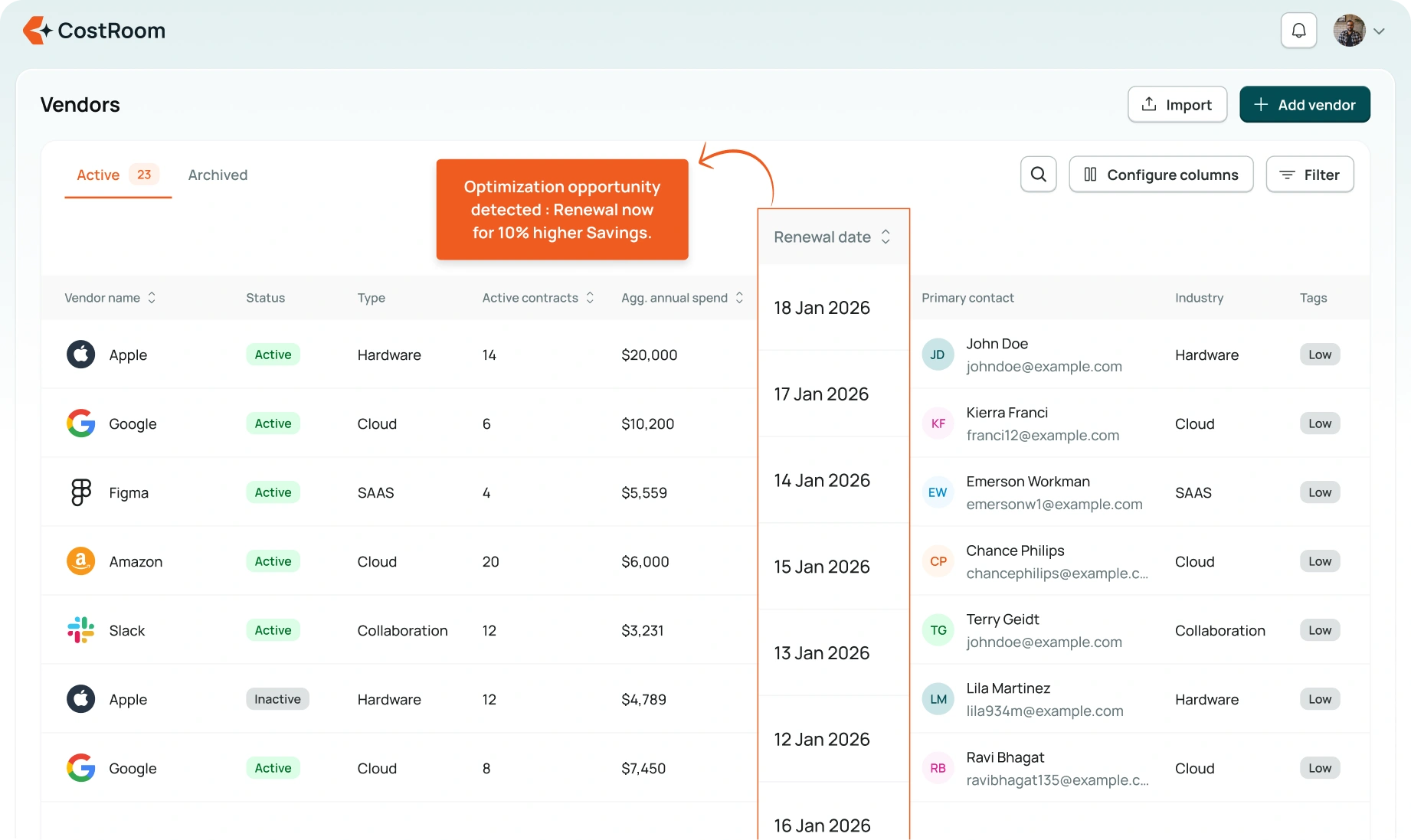
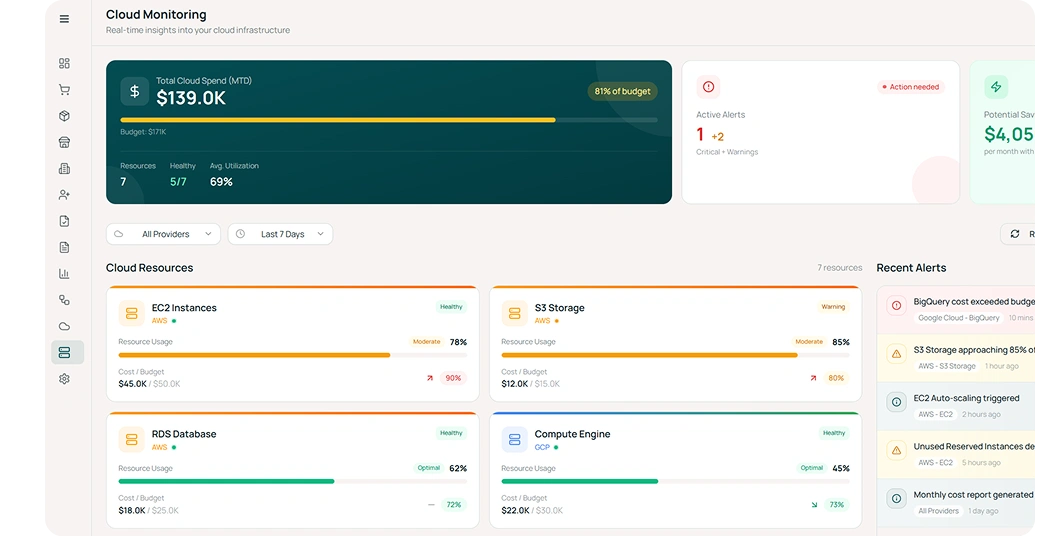
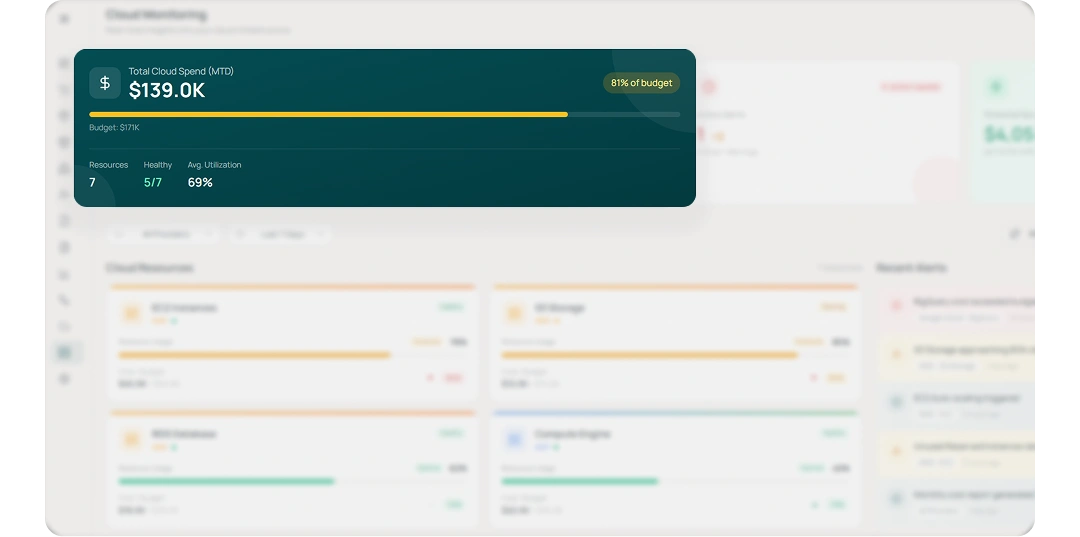
Budgets hold firm when the system stays one step ahead. Set budget limits for tools, categories, or teams and let the system monitor usage automatically. Alerts trigger as you approach thresholds and highlight where costs are trending higher than expected. Budgets stay disciplined without manual tracking or last-minute escalations.
Spend Duplication Alerts

Spend Duplication Alerts

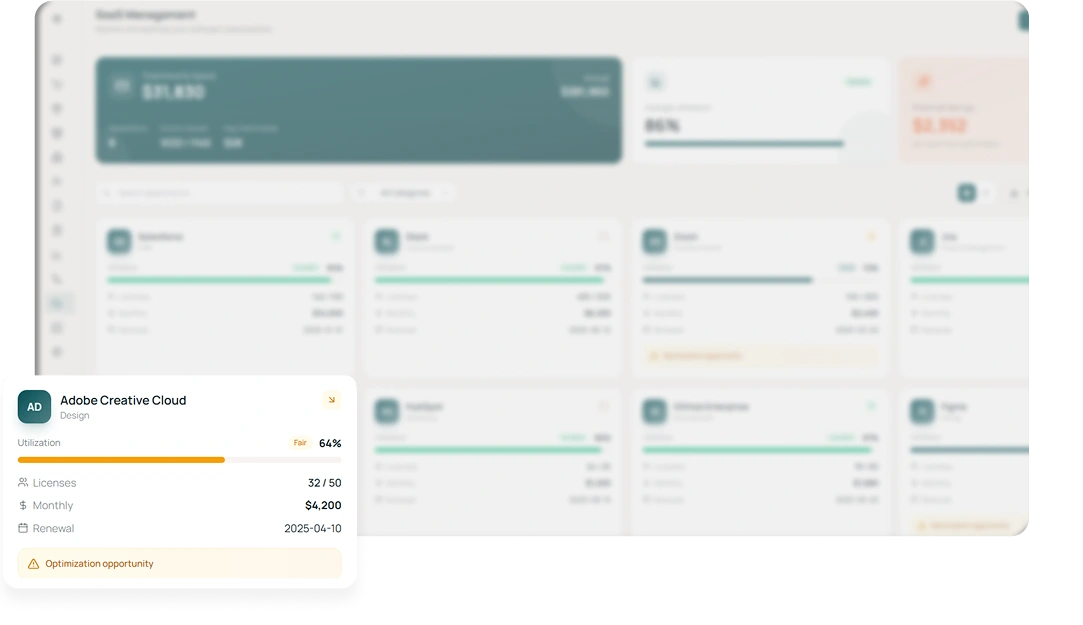
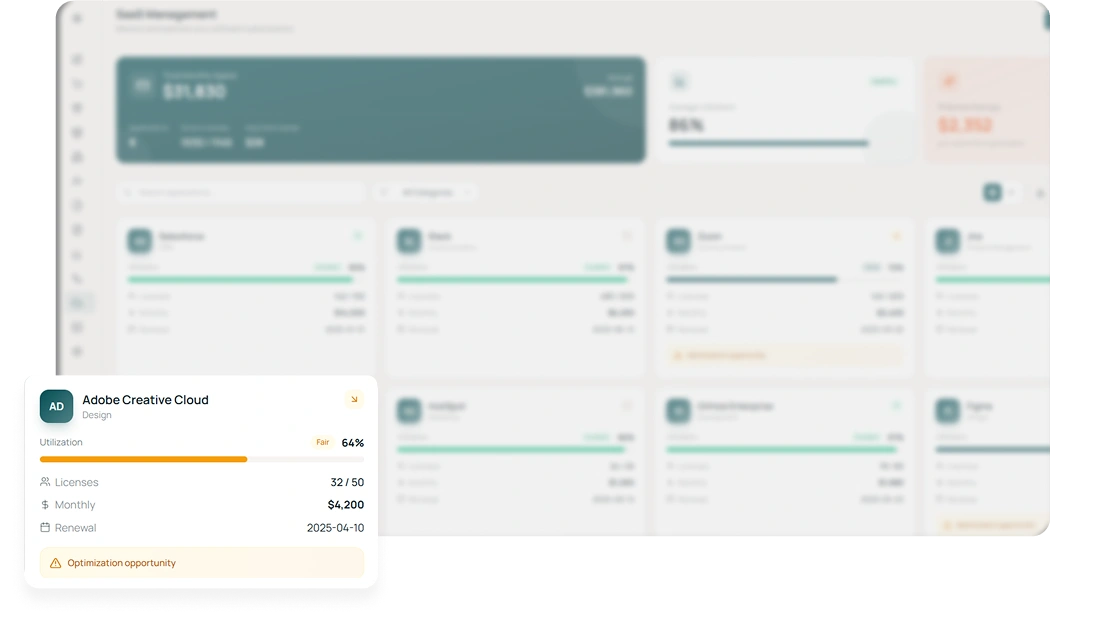
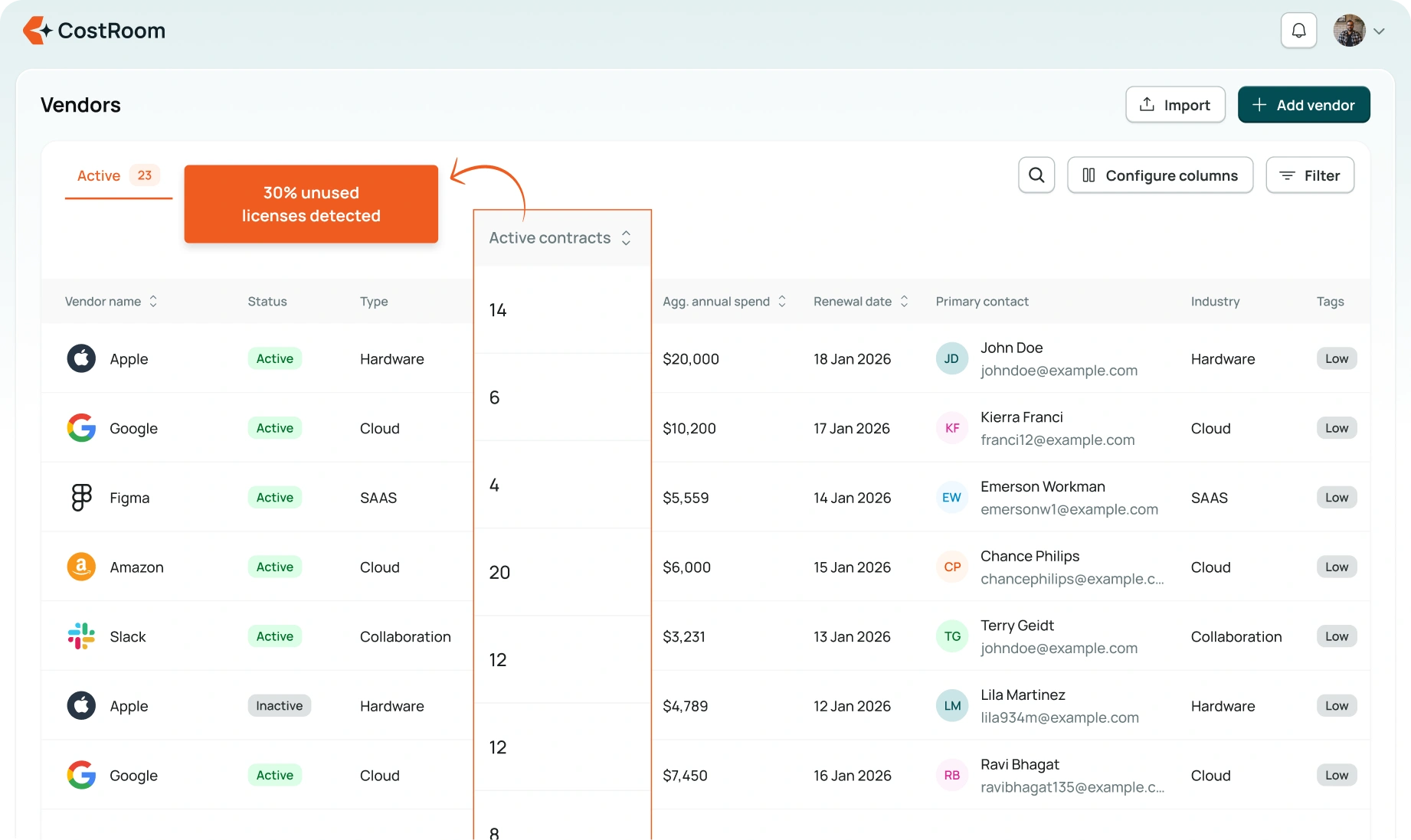
Redundancies vanish when every signal has context. CostRoom identifies overlapping subscriptions, look-alike tools, unused licenses, and multiple teams paying for the same vendor. Each signal includes context so teams can consolidate with confidence. Redundancies get surfaced early, keeping the SaaS stack lean and intentional.
Predictive Spend Forecasting

Predictive Spend Forecasting

Decision-making improves instantly when projections feel grounded. Forecasts are built using historical spend, usage intensity, upcoming renewals, and recent changes in pricing tiers. This gives leaders a forward-looking view that reflects real behaviour, not static averages. Teams plan ahead with numbers that feel realistic, not theoretical.

What teams say

We finally see what’s driving cloud spikes without waiting for finance to compile data.
FinOps Lead
Duplicate tools were costing us more than we realised. This caught them early.
Procurement Manager
Budget alerts helped us prevent an unexpected overage right before quarter-close.
FP&A Head
Forecasts are far more accurate than the static sheets we used earlier.
Director, IT Ops

Frequently asked questions

How fresh is the spend data?
Data can update continuously or on a regular sync, depending on your integrations and sources. Teams decide how frequently signals should refresh.
Can we track spend by team or department?
Yes, you can assign vendors or contracts to cost centres, tags, or teams for clearer allocation.
How accurate are the forecasts?
Forecasts use historical patterns and recent behaviour. They’re directional by design and meant to help teams anticipate changes early.
Do the alerts require configuration?
You can set thresholds, categories, and owners. Teams choose when alerts fire and who gets notified.
Can this work without integrations?
Yes. You can start with manual uploads and move to automated syncs as your team prefers.